×
ToyotaParts- Hello
- Login or Register
- Quick Links
- Live Chat
- Track Order
- Parts Availability
- RMA
- Help Center
- Contact Us
- Shop for
- Toyota Parts
- Scion Parts
My Garage
My Account
Cart
Shroud, Switches & Levers
2004 Scion xA Ignition Lock Cylinder, Steering Angle Sensor
Currently shopping for
2004 Scion xA
Change VehicleVehicle Options
Base; 4 Cyl 1.5 L GASVehicle Options
Base; 4 Cyl 1.5 L GASCategories Close X
Currently selected
Steering
Other Categories
A/C & Heating
Air & Fuel Delivery
Belts & Cooling
Body & Hardware
Brakes
Charging & Starting
Driveline & Axles
Electrical
Emission Control & Exhaust
Engine
Headlights & Lighting
Interior & Exterior Trim
Maintenance & Lubrication
Suspension
Transmission
Categories Close X
How to use OE catalog
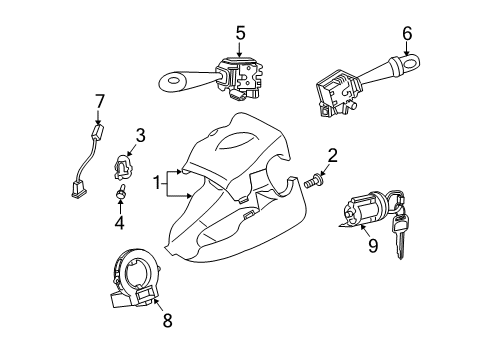
Diagram (1 of 1): Steering column - Shroud, switches & levers
Sort by:
Ref No.
Ref No.
Part No. & Part Description
Price & Qty.
Part No. &
Part Description
Part Description
- 1
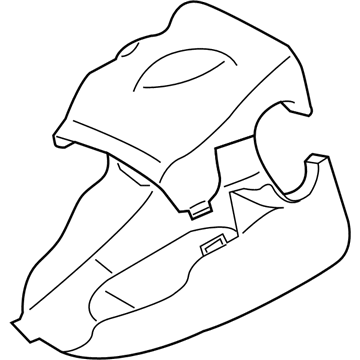
- 2
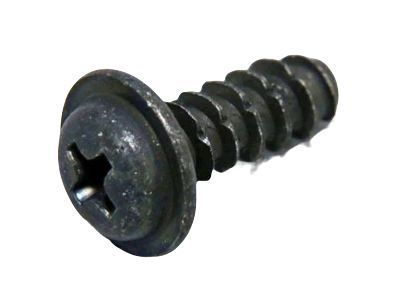 MSRP: $1.15 Your Price: $0.821
- 3

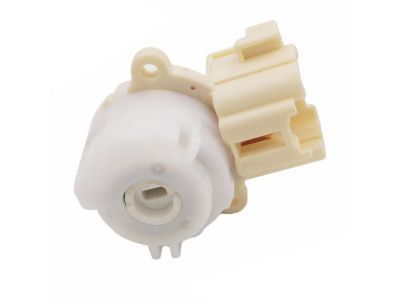 MSRP: $164.49 Your Price: $117.181
- 4
 MSRP: $1.65 Your Price: $1.181
- 5
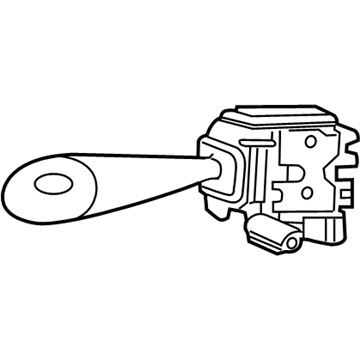
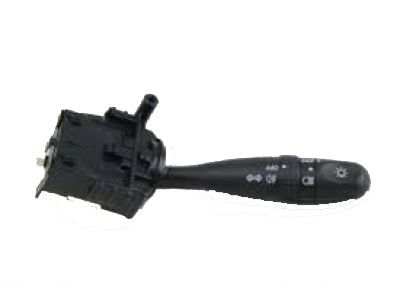 MSRP: $294.06 Your Price: $205.961
 - 5
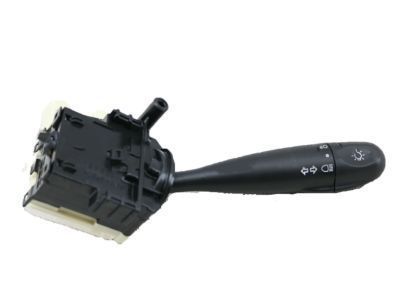 MSRP: $116.25 Your Price: $82.821
- 6
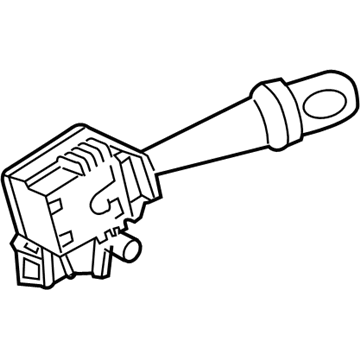
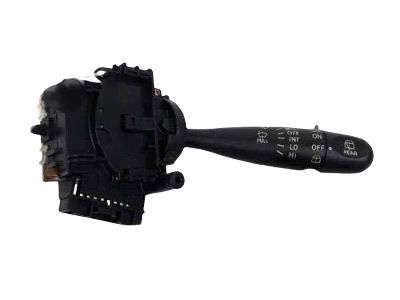
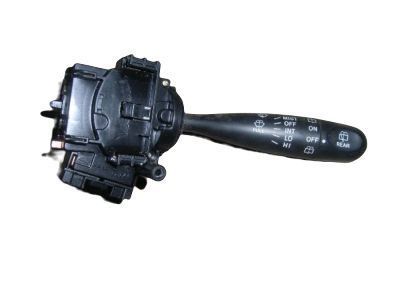 MSRP: $252.65 Your Price: $176.951
- 7
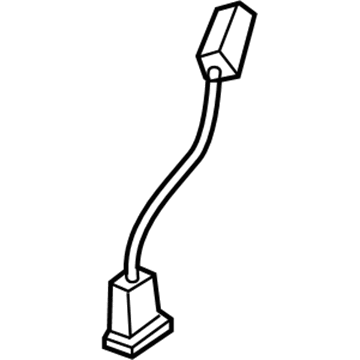 MSRP: $38.07 Your Price: $27.351
- 8
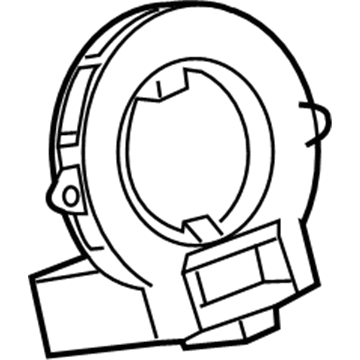
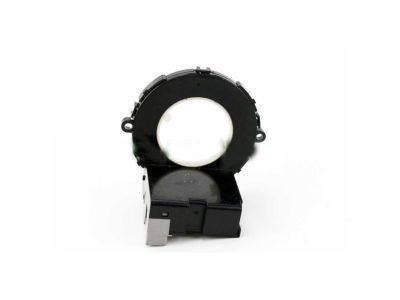
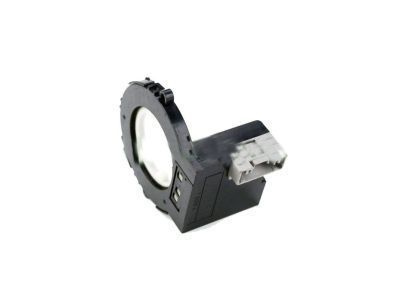
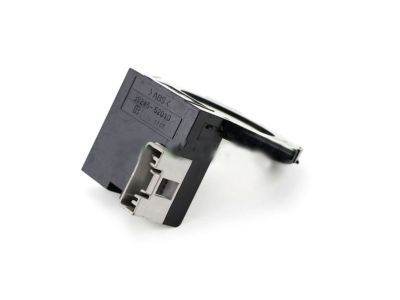 MSRP: $654.52 Your Price: $446.611
- 9
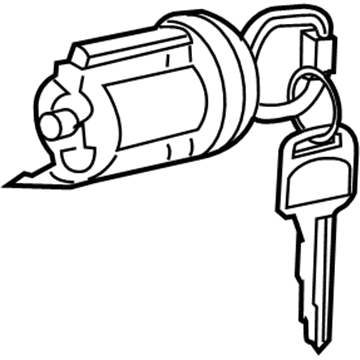
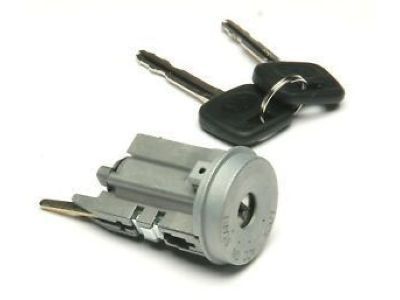 MSRP: $246.33 Your Price: $174.011
- MSRP: $8.56 Your Price: $6.15

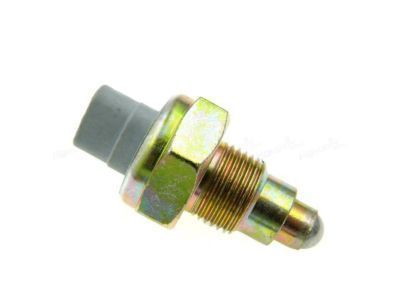
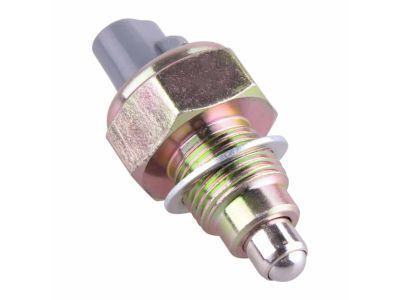
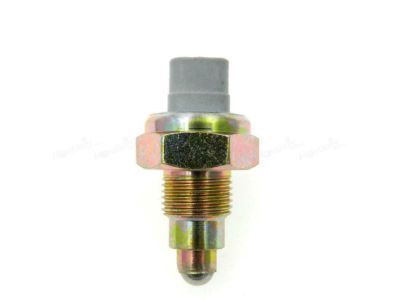
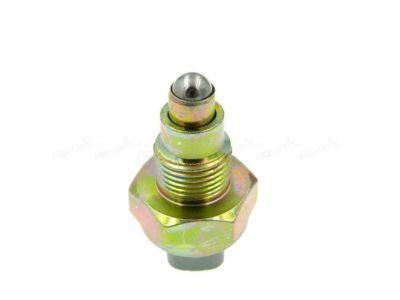
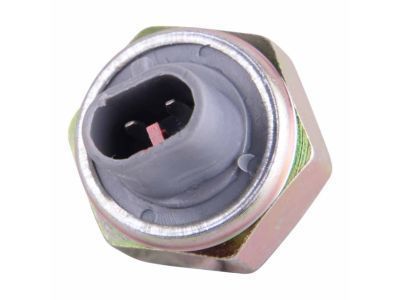
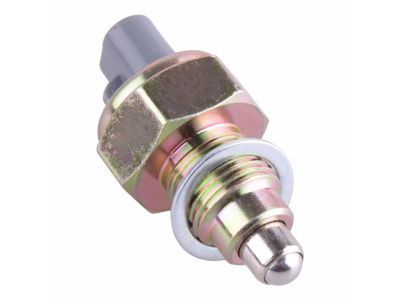
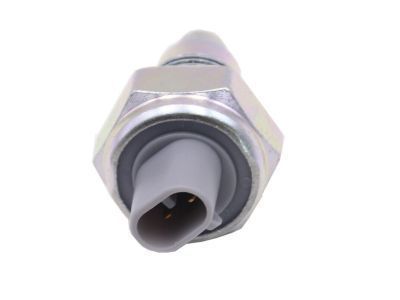
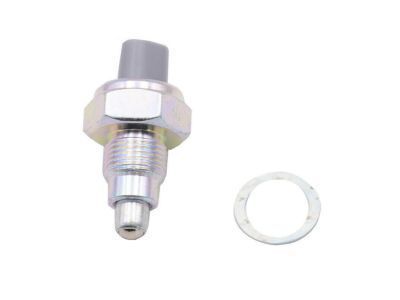
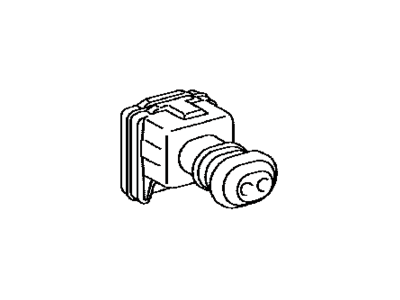
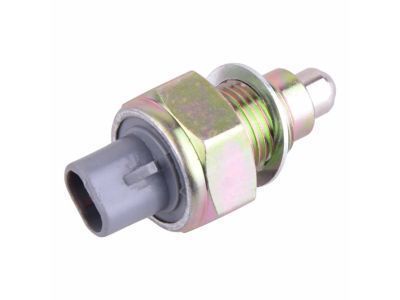 84210-12040
Switch Assy, Back-Up Lamp- Production Date: 04/2003-07/2005
- Fitting Vehicle Options: NCP61.. 5F
- Part Name Code: 84210
- Replaced By: 84210-52050
MSRP: $59.86 Your Price: $43.01
 MSRP: $12.79 Your Price: $9.19
 84930-33080
Switch Assy, Door Control- Production Date: 04/2003-09/2004
- Fitting Vehicle Options: NCP61
- Part Name Code: 84930
- Replaced By: 84930-AA020
MSRP: $116.58 Your Price: $83.06
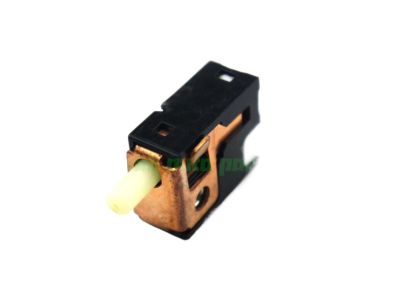
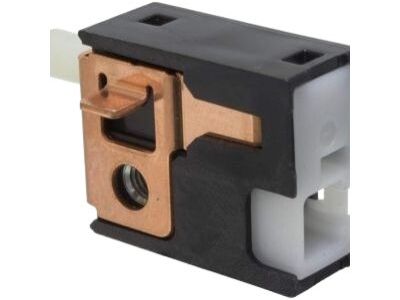
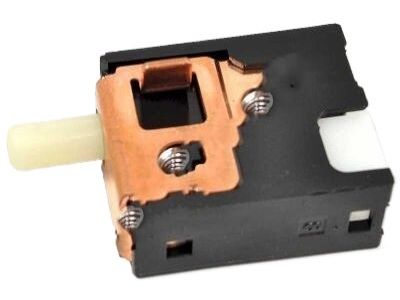 84550-30080
Switch Assy, Parking Brake- Production Date: 04/2003-07/2005
- Fitting Vehicle Options: NCP61
- Part Name Code: 84550
- Replaced By: 84550-04020
MSRP: $53.71 Your Price: $38.59
 MSRP: $1.98 Your Price: $1.42
 84820-33170
Master Switch Assy, Power Window Regulator- Production Date: 04/2003-09/2004
- Fitting Vehicle Options: NCP61
- Part Name Code: 84820
- Replaced By: 84820-AA070
MSRP: $712.23 Your Price: $486.00
 MSRP: $3.14 Your Price: $2.26
 MSRP: $13.46 Your Price: $9.67

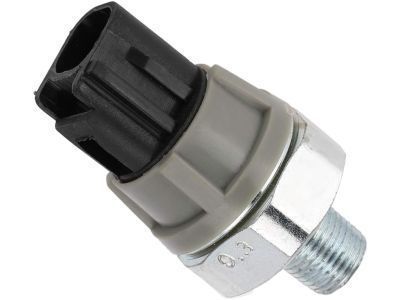
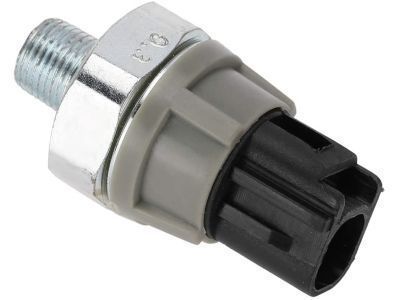
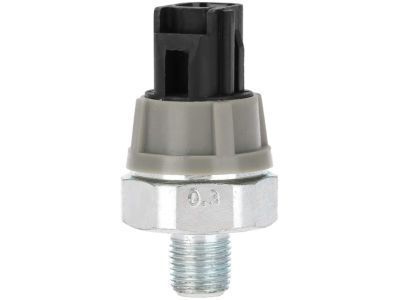
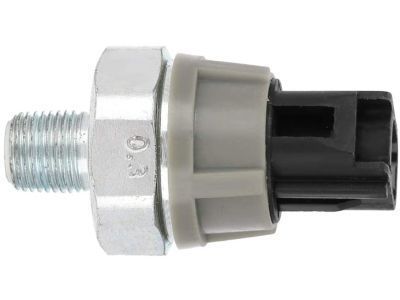 83530-28020
Switch Assy, Oil Pressure (For Engine)- Part Notes: DENSO
- Production Date: 04/2003-07/2005
- Fitting Vehicle Options: NCP61
- Part Name Code: 83530
- Replaced By: 83530-0E010
MSRP: $64.68 Your Price: $46.47
OEM 2004 Scion xA Parts for Shroud, Switches & Levers
Genuine 2004 Scion xA parts are produced by Scion with the official design and standards, thus they ensure a high quality throughout the production process. OEM parts are the ideal choice for people looking for new Shroud, Switches & Levers parts. With our competitive prices, we offer 2004 Scion xA Ignition Lock Cylinder, Steering Angle Sensor that fit tight budgets, while still including the manufacturer warranties, a hassle-free returns policy and quick shipping options.
Ignition Switch Installation and Repair Tips for 2004 Scion xA
- Q:How to replace the Ignition Switch or Starter Switch Assembly on 2004 Scion xA?A:In order to change the Ignition or Starter Switch Assembly, take off the horn button, steering wheel, and column cover. Unplug ignition and unlock warning switch connectors, disconnect clamp, and then loosen two screws screwing together the switch. Unscrew the old switch and install the new by reversing all these steps.