×
ToyotaParts- Hello
- Login or Register
- Quick Links
- Live Chat
- Track Order
- Parts Availability
- RMA
- Help Center
- Contact Us
- Shop for
- Toyota Parts
- Scion Parts
My Garage
My Account
Cart
Inverter Cooling Components
2008 Toyota Camry Radiator, Water Pump
Currently shopping for
2008 Toyota Camry
Change VehicleCategories Close X
Currently selected
Belts & Cooling
Other Categories
A/C & Heating
Air & Fuel Delivery
Body & Hardware
Brakes
Charging & Starting
Driveline & Axles
Electrical
Emission Control & Exhaust
Engine
Headlights & Lighting
Interior & Exterior Trim
Maintenance & Lubrication
Steering
Suspension
Transmission
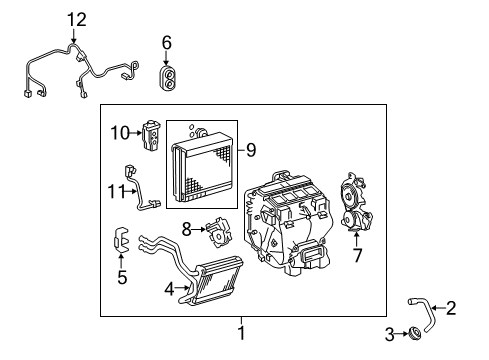
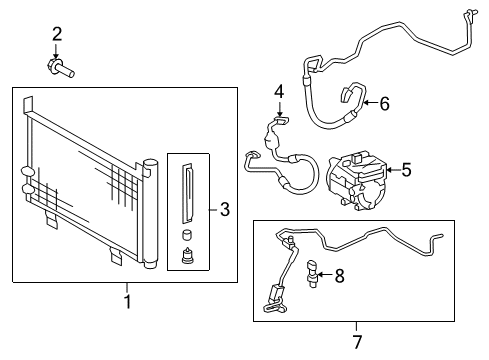
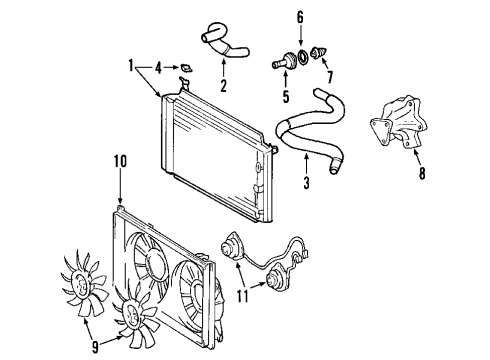
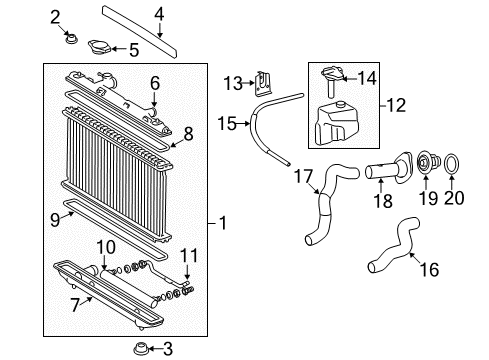
How to use OE catalog
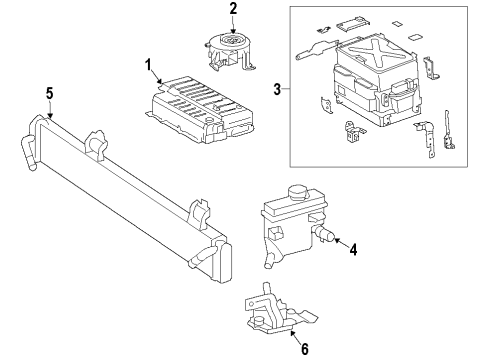
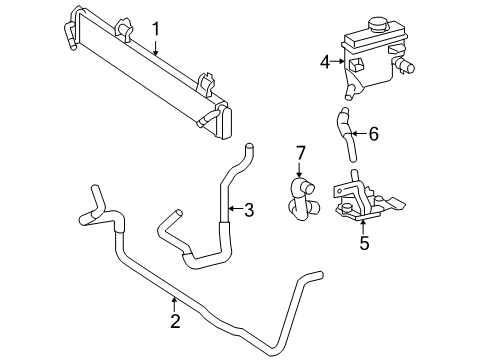
Diagram (1 of 1): Cooling - Inverter cooling components
Sort by:
Ref No.
Ref No.
Part No. & Part Description
Price & Qty.
Part No. &
Part Description
Part Description
- 1
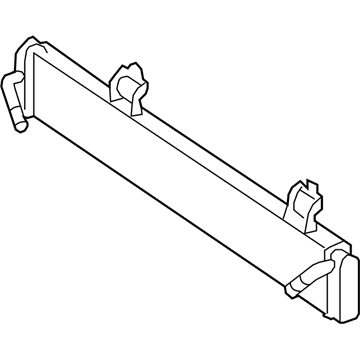 MSRP: $706.25 Your Price: $481.911
- 2
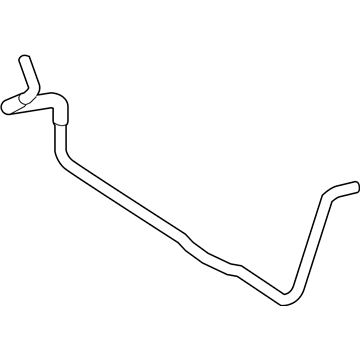
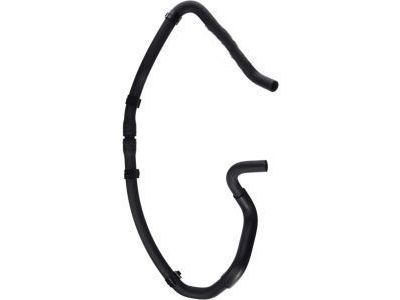 MSRP: $70.68 Your Price: $50.781
- 3
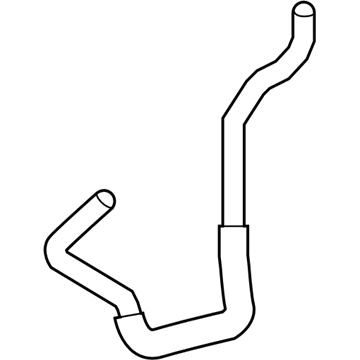
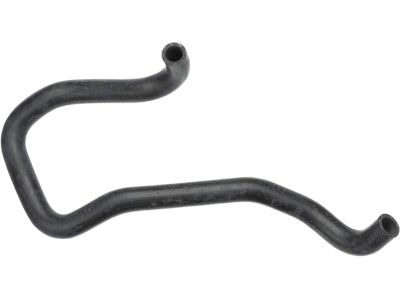 MSRP: $50.05 Your Price: $35.96
- 4
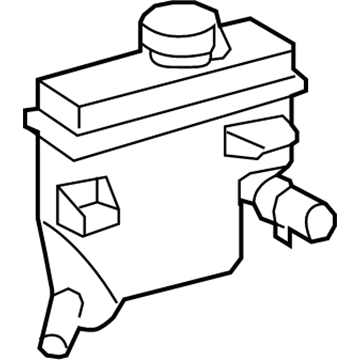 MSRP: $422.31 Your Price: $295.781
- 5
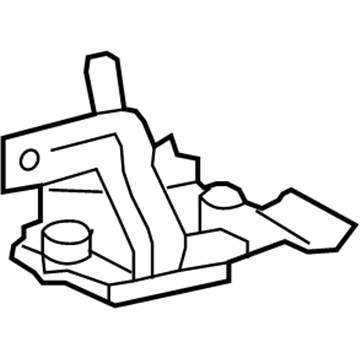
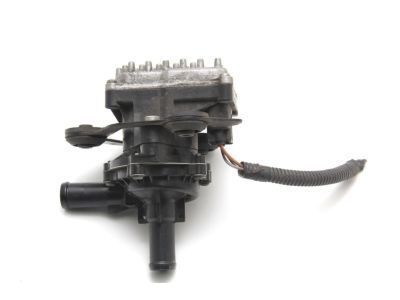
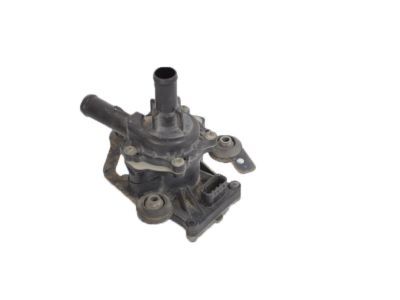
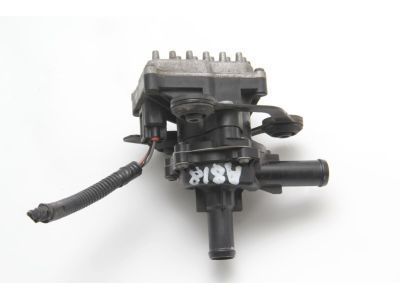 MSRP: $522.12 Your Price: $356.281
- 6
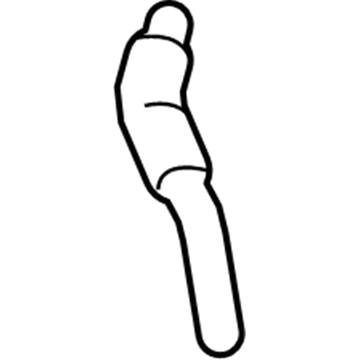 MSRP: $22.27 Your Price: $16.00
- 7
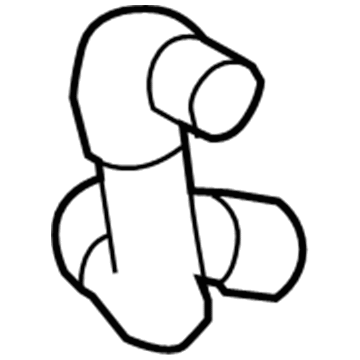 MSRP: $32.25 Your Price: $23.171
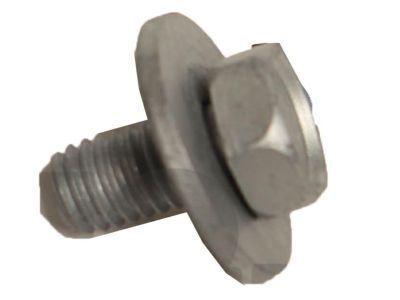 MSRP: $2.15 Your Price: $1.54
OEM 2008 Toyota Camry Parts for Inverter Cooling Components
Genuine 2008 Toyota Camry parts are produced by Toyota with the official design and standards, thus they ensure a high quality throughout the production process. OEM parts are the ideal choice for people looking for new Inverter Cooling Components parts. With our competitive prices, we offer 2008 Toyota Camry Radiator, Water Pump that fit tight budgets, while still including the manufacturer warranties, a hassle-free returns policy and quick shipping options.
Radiator, Water Pump Installation and Repair Tips for 2008 Toyota Camry
- Q:How to install the radiator on 2008 Toyota Camry?A:In order to install the radiator, the support lowers and cushions should be attached followed by the fan assembly. Bolts the radiator to body, attach fan motor connections and provide upper support. Install the hood lock assembly, hose, front bumper and air cleaner. Add coolant and leak check.
- Q:How to remove the water pump on 2008 Toyota Camry?A:In order to detach the water pump of the 2AZ-FE engine, you must disconnect the negative battery terminal, the wheel opening extension pads and engine under covers, drain the coolant, and the fender apron seal. Next, remove the engine mounting parts, V-ribbed belt, and generator. Lastly, wipe out the water pump assembly.