×
ToyotaParts- Hello
- Login or Register
- Quick Links
- Live Chat
- Track Order
- Parts Availability
- RMA
- Help Center
- Contact Us
- Shop for
- Toyota Parts
- Scion Parts
My Garage
My Account
Cart
Shroud, Switches & Levers
2008 Scion tC Ignition Lock Cylinder, Steering Angle Sensor
Currently shopping for
2008 Scion tC
Change VehicleVehicle Options
4 Cyl 2.4 L GASVehicle Options
4 Cyl 2.4 L GASCategories Close X
Currently selected
Steering
Other Categories
A/C & Heating
Air & Fuel Delivery
Belts & Cooling
Body & Hardware
Brakes
Charging & Starting
Driveline & Axles
Electrical
Emission Control & Exhaust
Engine
Headlights & Lighting
Interior & Exterior Trim
Maintenance & Lubrication
Suspension
Transmission
Categories Close X
How to use OE catalog
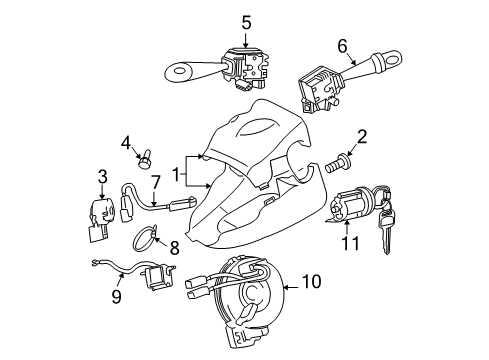
Diagram (1 of 1): Steering column - Shroud, switches & levers
Sort by:
Ref No.
Ref No.
Part No. & Part Description
Price & Qty.
Part No. &
Part Description
Part Description
- 1
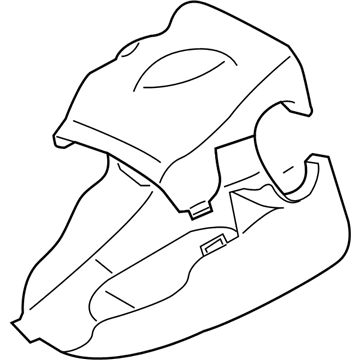 MSRP: $140.54 Your Price: $100.121
- 2

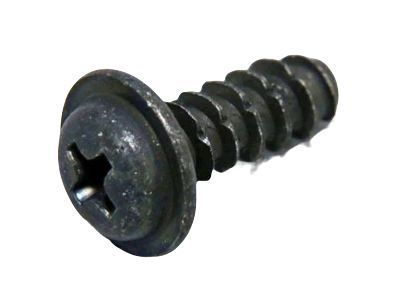 MSRP: $1.15 Your Price: $0.821
- 3

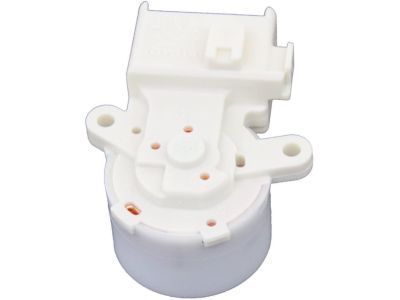
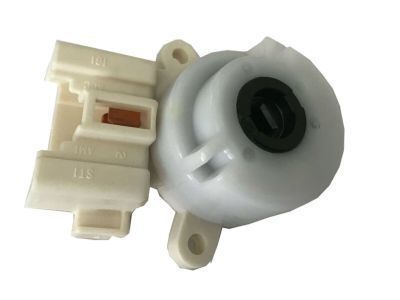
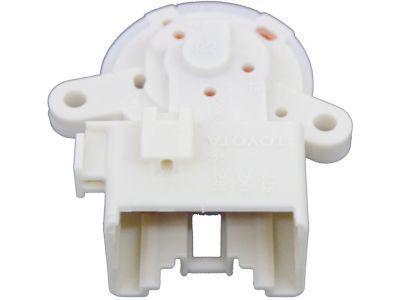 MSRP: $149.35 Your Price: $106.401
- 4
 MSRP: $1.65 Your Price: $1.181
- 5
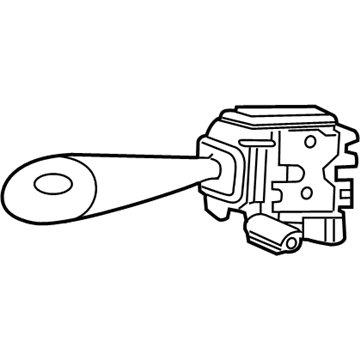 MSRP: $214.22 Your Price: $151.331
- 6
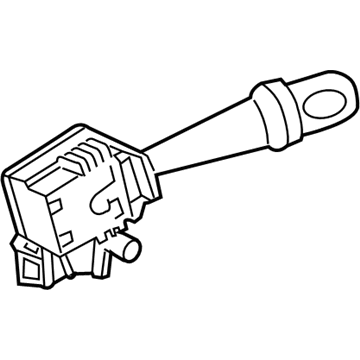 MSRP: $236.18 Your Price: $166.841
- 7
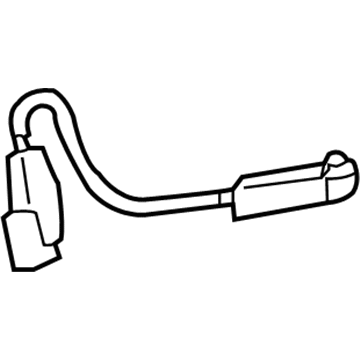
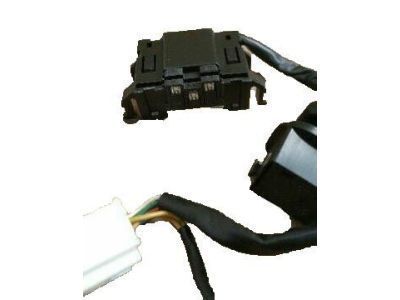
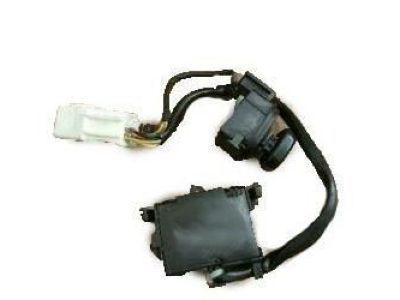
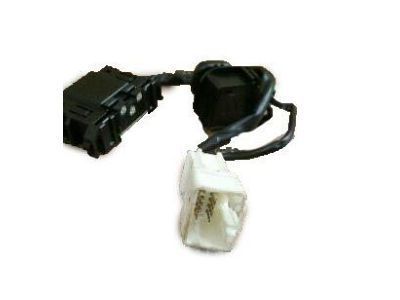 MSRP: $37.91 Your Price: $27.231
 - 7MSRP: $38.07 Your Price: $27.351
- 8
 MSRP: $4.31 Your Price: $3.101
- 9
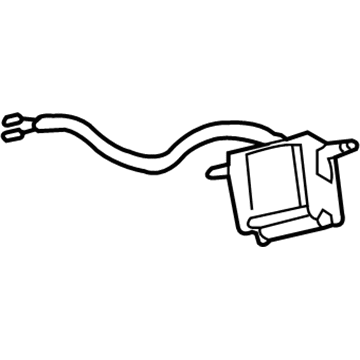 MSRP: $106.27 Your Price: $75.711
- 11
 MSRP: $187.23 Your Price: $132.261
 - 11
 84930-33080
Switch Assy, Door Control- Part Notes: BASE PACKAGE
- Production Date: 05/2006-04/2008
- Fitting Vehicle Options: ANT10
- Part Name Code: 84930
- Replaced By: 84930-AA020
MSRP: $116.58 Your Price: $83.06

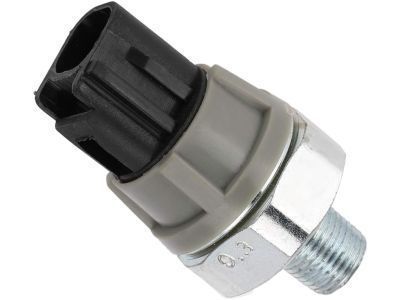
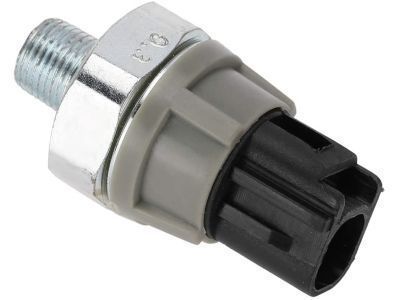
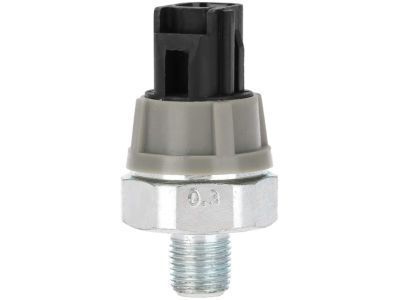
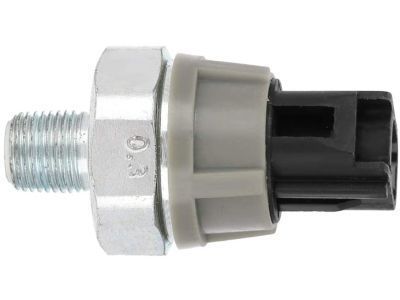 83530-28020
Switch Assy, Oil Pressure (For Engine)- Part Notes: DENSO
- Production Date: from 05/2004
- Fitting Vehicle Options: ANT10
- Part Name Code: 83530
- Replaced By: 83530-0E010
MSRP: $64.68 Your Price: $46.47

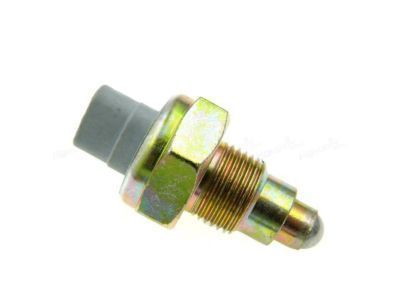
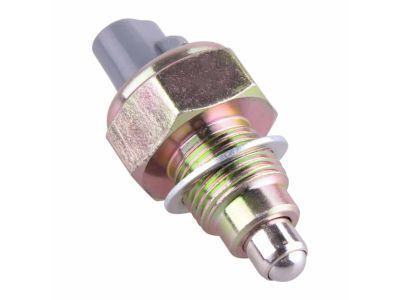
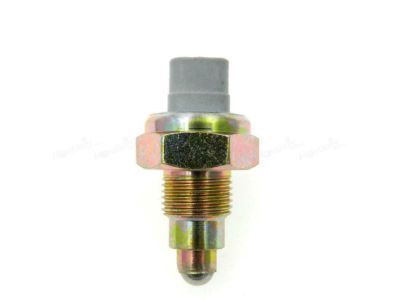
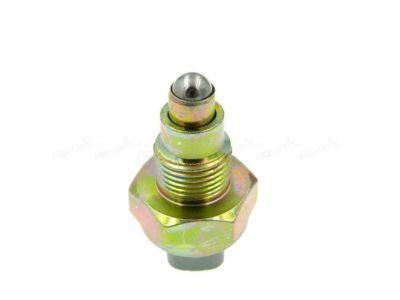
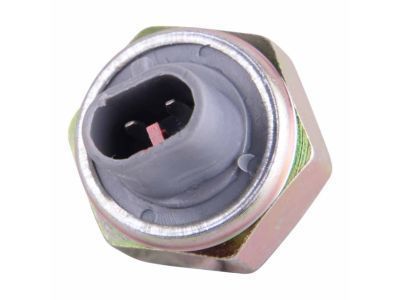
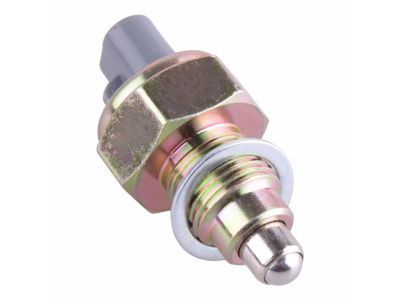
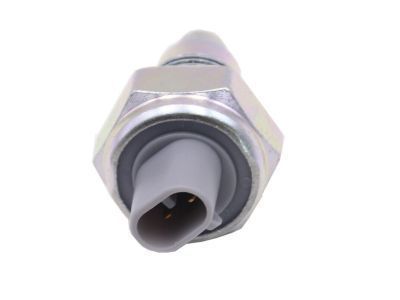
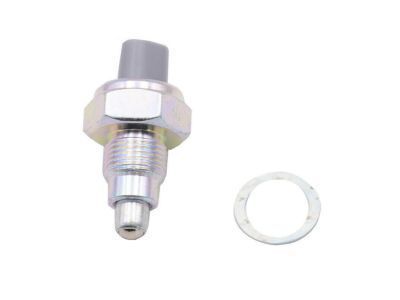
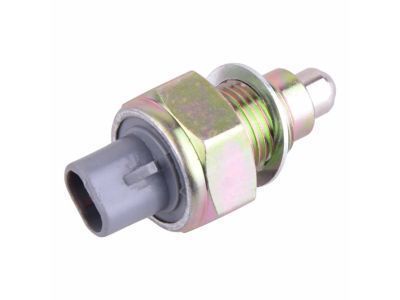 84210-12040
Switch Assy, Back-Up Lamp- Production Date: 05/2004-07/2010
- Fitting Vehicle Options: ANT10.. 5F
- Part Name Code: 84210
- Replaced By: 84210-52050
MSRP: $59.86 Your Price: $43.01
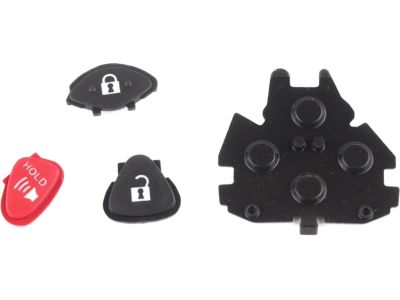 8907A-21010
Switch Set, Transmitter- Part Notes: BASE PACKAGE
- Production Date: from 05/2006
- Fitting Vehicle Options: ANT10
- Require Quantity: 2
- Package Quantity: 1
- Part Name Code: 8907A
MSRP: $20.71 Your Price: $14.88
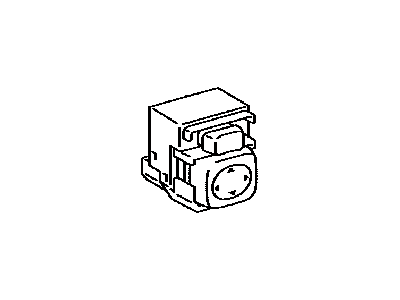
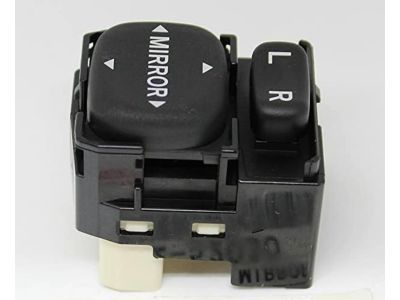
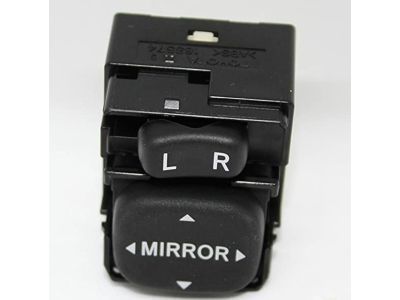
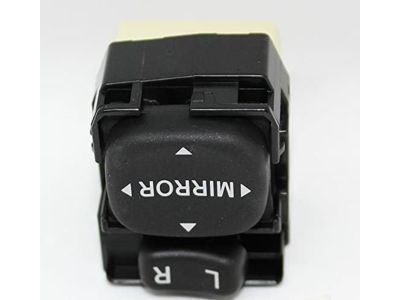
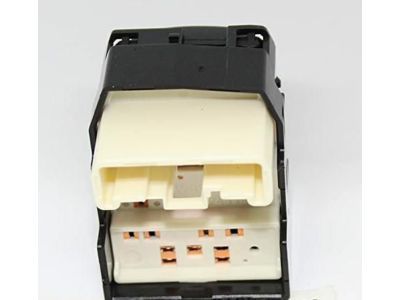 84872-52030
Switch Assy, Outer Mirror- Production Date: from 05/2004
- Fitting Vehicle Options: ANT10
- Part Name Code: 84870A
- Replaced By: 84872-02060
MSRP: $170.31 Your Price: $120.31

 MSRP: $3.81 Your Price: $2.74
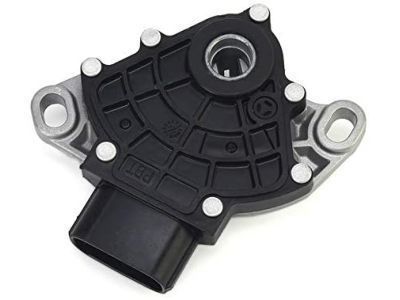
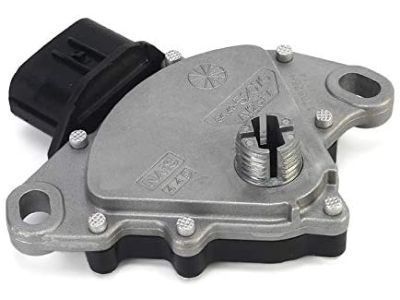
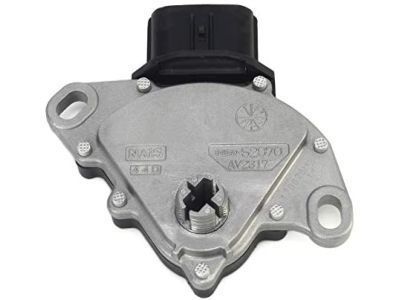 84540-48010
Switch Assy, Neutral Start- Production Date: 05/2004-07/2010
- Fitting Vehicle Options: ANT10.. 4FC
- Part Name Code: 84540
- Replaced By: 84540-0E010
MSRP: $210.73 Your Price: $148.86
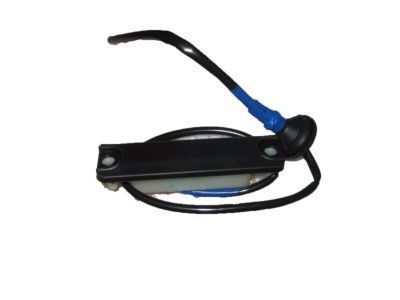 84840-21010
Switch Assy, Back Door Opener- Production Date: 05/2004-07/2010
- Fitting Vehicle Options: ANT10
- Part Name Code: 84840G
MSRP: $129.39 Your Price: $92.18

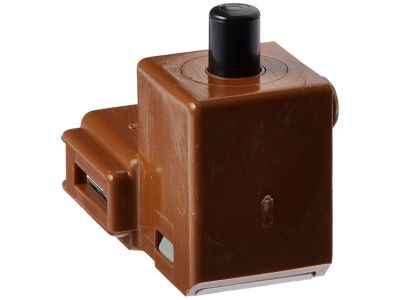
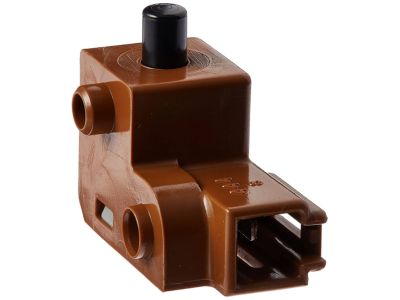
 84550-33010
Switch Assy, Parking Brake- Production Date: 05/2004-07/2010
- Fitting Vehicle Options: ANT10
- Part Name Code: 84550
- Replaced By: 84550-02020
MSRP: $79.16 Your Price: $56.87
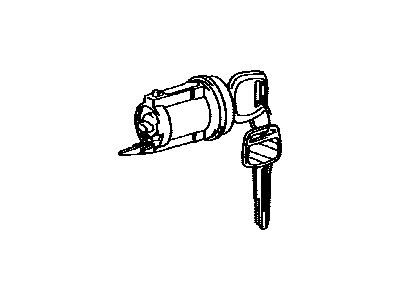 69057-21101
Cylinder & Key Set, Ignition Switch Lock- Part Notes: BASE PACKAGE
- Production Date: 04/2007-04/2008
- Fitting Vehicle Options: ANT10
- Part Name Code: 69057A
MSRP: $198.92 Your Price: $140.52
OEM 2008 Scion tC Parts for Shroud, Switches & Levers
Genuine 2008 Scion tC parts are produced by Scion with the official design and standards, thus they ensure a high quality throughout the production process. OEM parts are the ideal choice for people looking for new Shroud, Switches & Levers parts. With our competitive prices, we offer 2008 Scion tC Ignition Lock Cylinder, Steering Angle Sensor that fit tight budgets, while still including the manufacturer warranties, a hassle-free returns policy and quick shipping options.
Ignition Switch Installation and Repair Tips for 2008 Scion tC
- Q:How to install the ignition switch assembly on 2008 Scion tC?A:In order to mount the ignition switch assembly, lock stopper and ignition switch are to be fixed first. Connect unlock warning switch and put cable tie. Next, screw the steering column cover on and connect the cable to the negative battery terminal and do the initialisation as necessary after reconnecting.